Ask
Pick up the thread
Ask a question about what you’ve written. Finis finds relevant chapters locally and suggests them for context. You can check and change the selection before sending.
A HOME FOR YOUR BOOK, ON MAC AND IPAD
Finis takes your book from first draft to ready to share. Write, organize and revise, with an AI editorial assistant whenever you want a fresh pair of eyes. Every choice stays yours.
On the App Store for Mac and iPad · Free for 14 days, then $34.90 / €39.90, once · macOS 14 and iPadOS 18 or later
A quiet writing space that helps you follow a thought and stay with it.
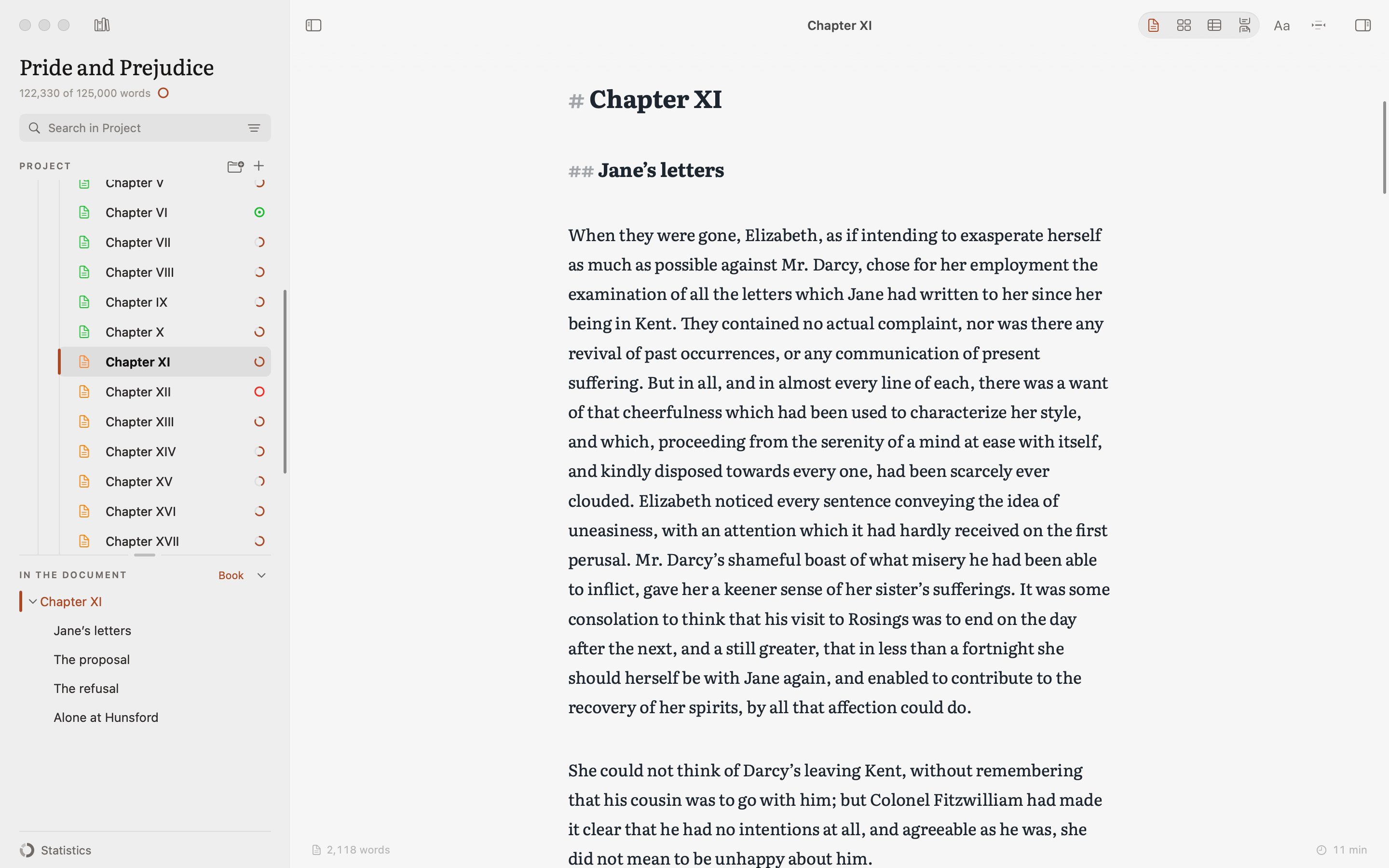
Keep chapters, notes and research together as your book takes shape.
A manuscript for your editor, a PDF or an ePub for the people you’re writing for.
THE PAGE
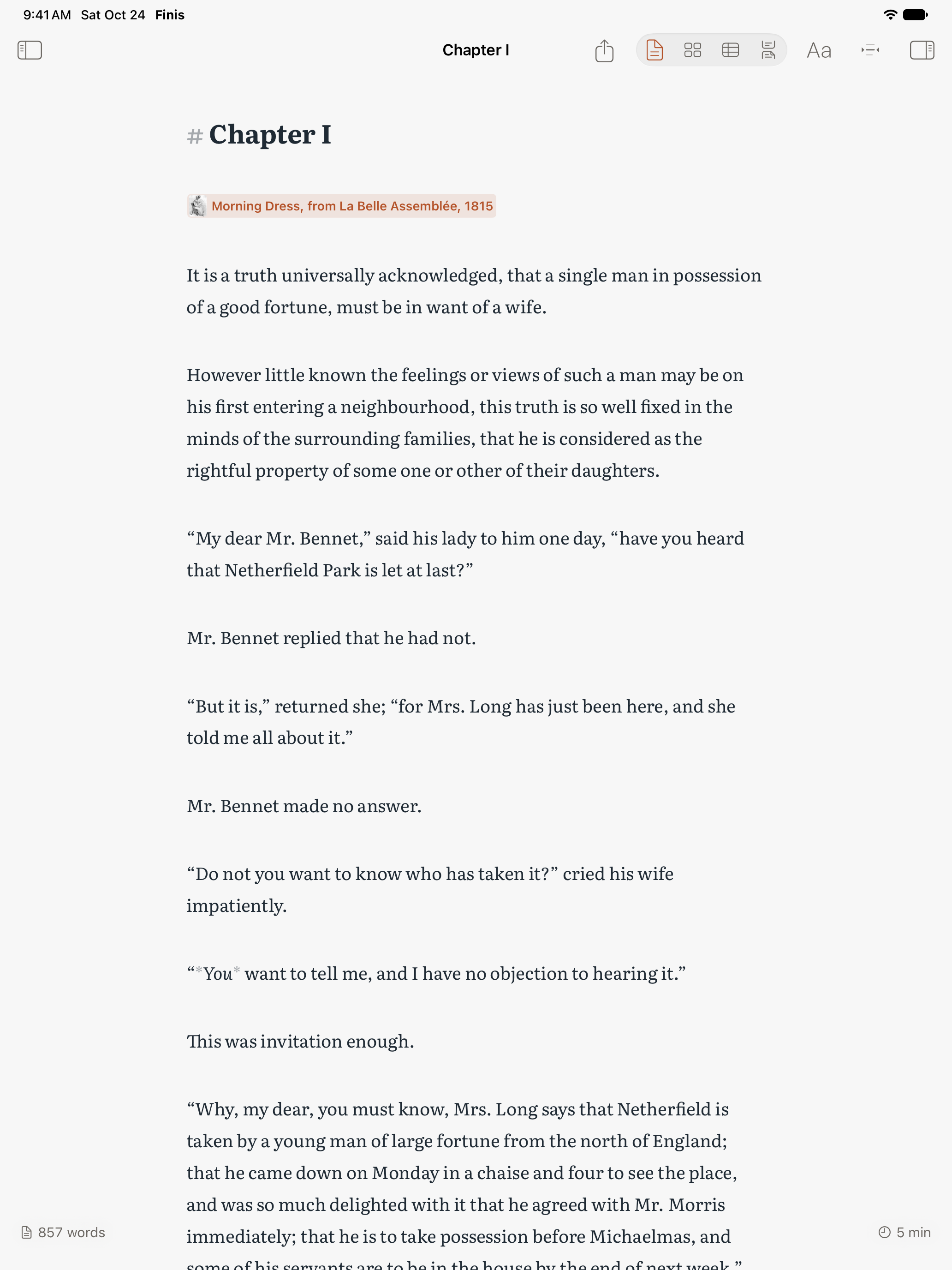
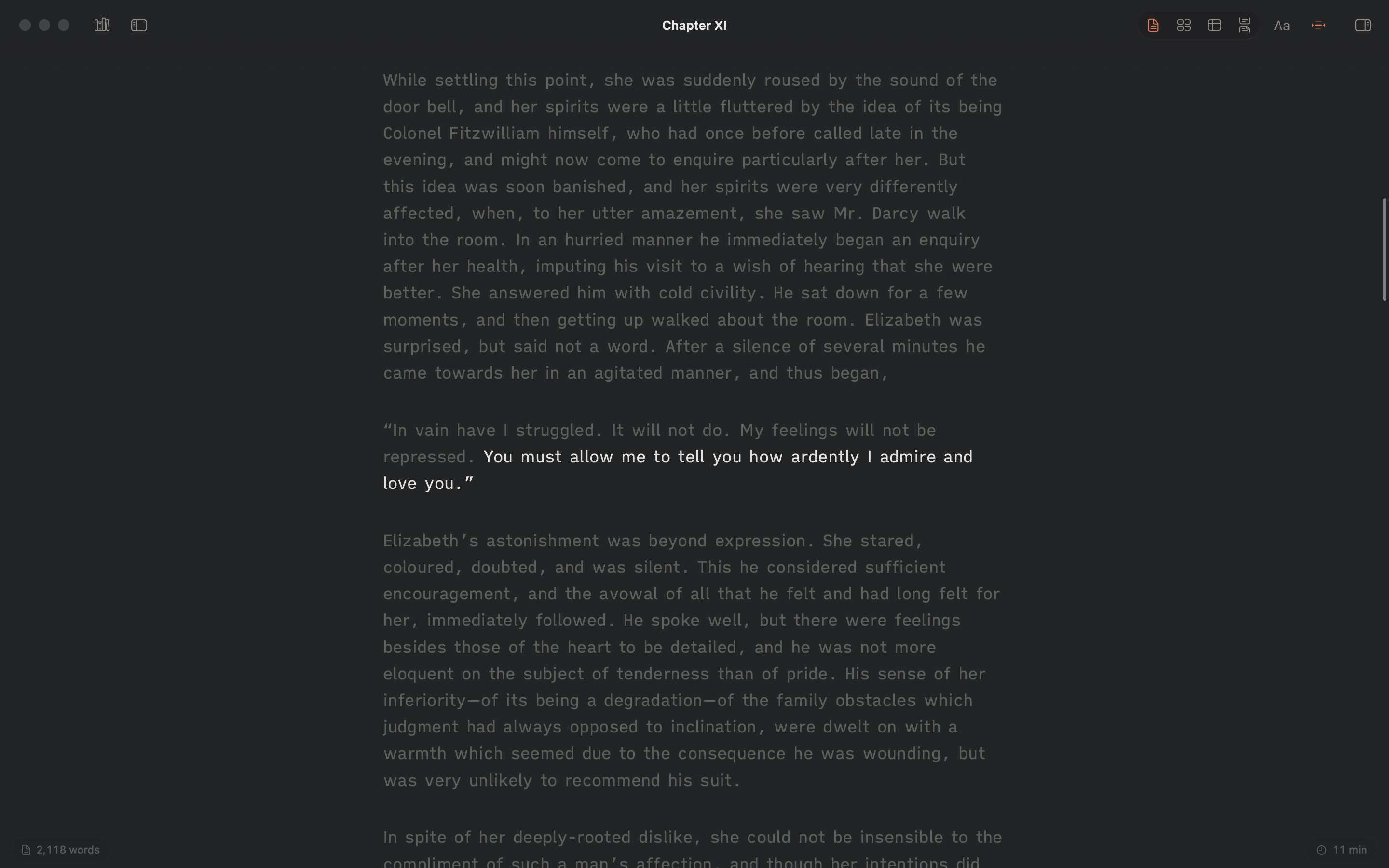
Give the next sentence your full attention. Focus brings the passage you’re working on into view, while Typewriter mode keeps your current line in the middle of the window. Choose the paper and typeface that feel right, and let the words follow.

THE PROJECT
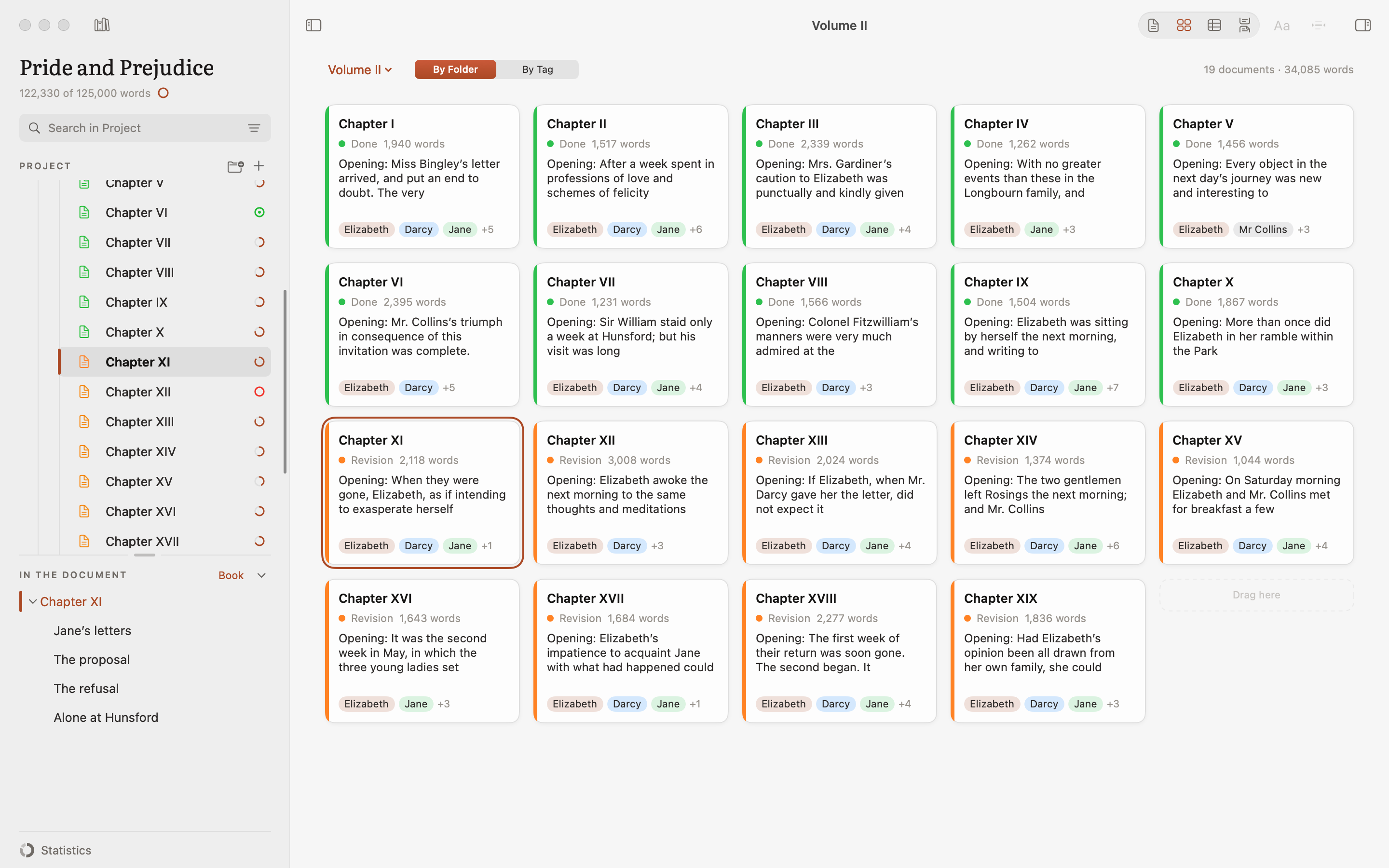
Give every idea a place and find the right order for your chapters. Rearrange them on the board, check your progress in the outline, or read a whole part as one continuous text. Your notes and research stay with the manuscript, ready when you need them.
VIRGIL · YOUR EDITORIAL ASSISTANT
A question about a character. A dialogue that feels slow. A sentence worth another try. Virgil brings AI into that work, right beside the page. Ask your book a question, get a second reading or explore an alternative. You decide what stays.
DeepSeek, OpenAI, Anthropic, Google Gemini and Grok (xAI). Choose a model for each task, even from different services.
See how Virgil worksAsk
Ask a question about what you’ve written. Finis finds relevant chapters locally and suggests them for context. You can check and change the selection before sending.
Reread
Look for repetition, unclear passages, uneven pacing or issues with dialogue and continuity. Keep useful observations as comments on the text.
Synopsis
Draft a synopsis from the open document. Read it, edit it and, when it feels right, use it in your book’s outline.
Variant
Select a passage and ask for an alternative. You can add it as a tracked change, ready to accept or reject during revision.
Virgil is optional. It needs an Internet connection and your own API key. Usage follows your chosen service’s plan and is separate from the 14-day trial and the Finis purchase. No AI credit is included.
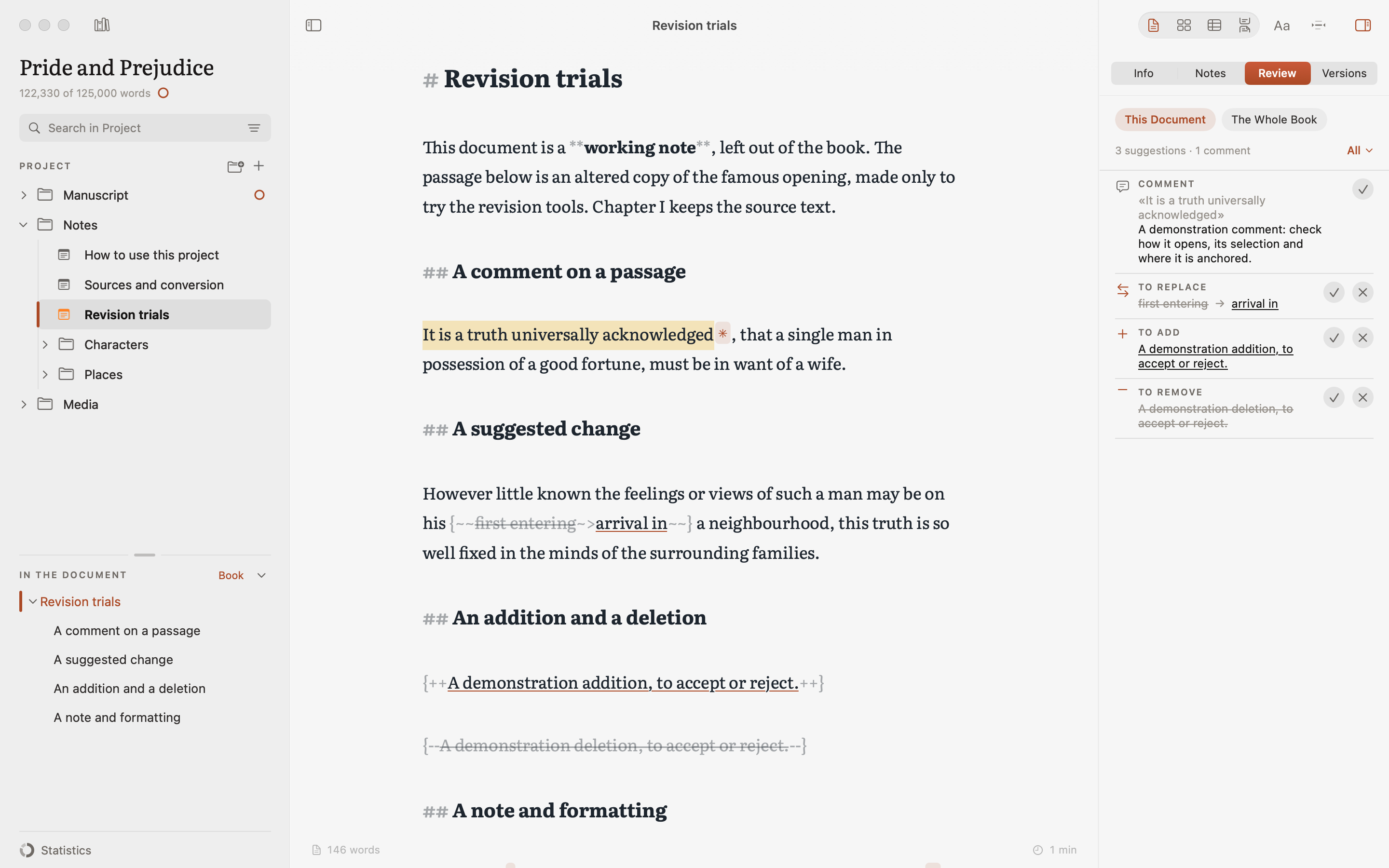
REVISION
Try a different sentence. Leave a note for later. With tracked changes, you can weigh up each edit before accepting it. Earlier versions are there to compare and restore, giving you room to rethink a passage and find the words you want.
EXPORT
When it’s time to share your work, choose the format that fits: a manuscript PDF for an agent or publisher, a Word file with comments for your editor, or a typeset PDF or ePub for readers. Check the preview, export, and let someone turn the first page.
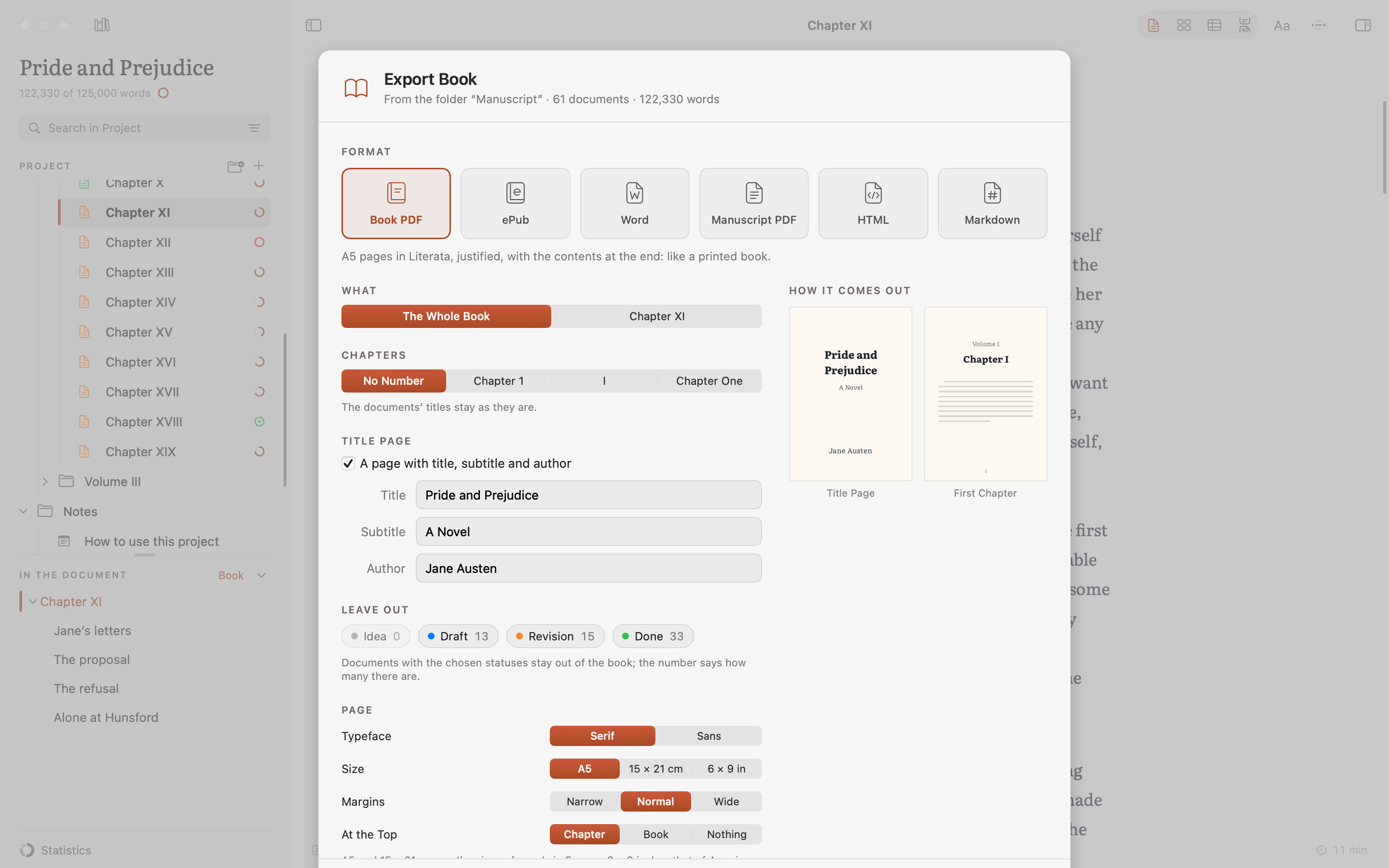
OPEN FORMAT
You’ve put time into this book. Keep control of it. Your chapters are plain Markdown text files that other apps can read, even without Finis. Keep your project on your Mac or iPad, or in a folder synced with iCloud or Dropbox. Autosave and automatic backups give you earlier copies to return to when you need them.
MADE FOR BOOKS
See your book’s length in 250-word manuscript pages, alongside words and characters.
Typographic quotes and apostrophes as you write, matched to your book’s language.
Choose chapter numbering in figures, Roman numerals or words, with parts to match.
Explore Pride and Prejudice with chapters, notes and tags already in place, and see how a book fits together.
ALSO ON IPAD
Finis is on iPad too, with the same purchase and the same projects. The chapter you started at your desk carries on from the sofa or the train, right where you left it. The page, the panels and the shortcuts are the ones you know, sized for your fingers.
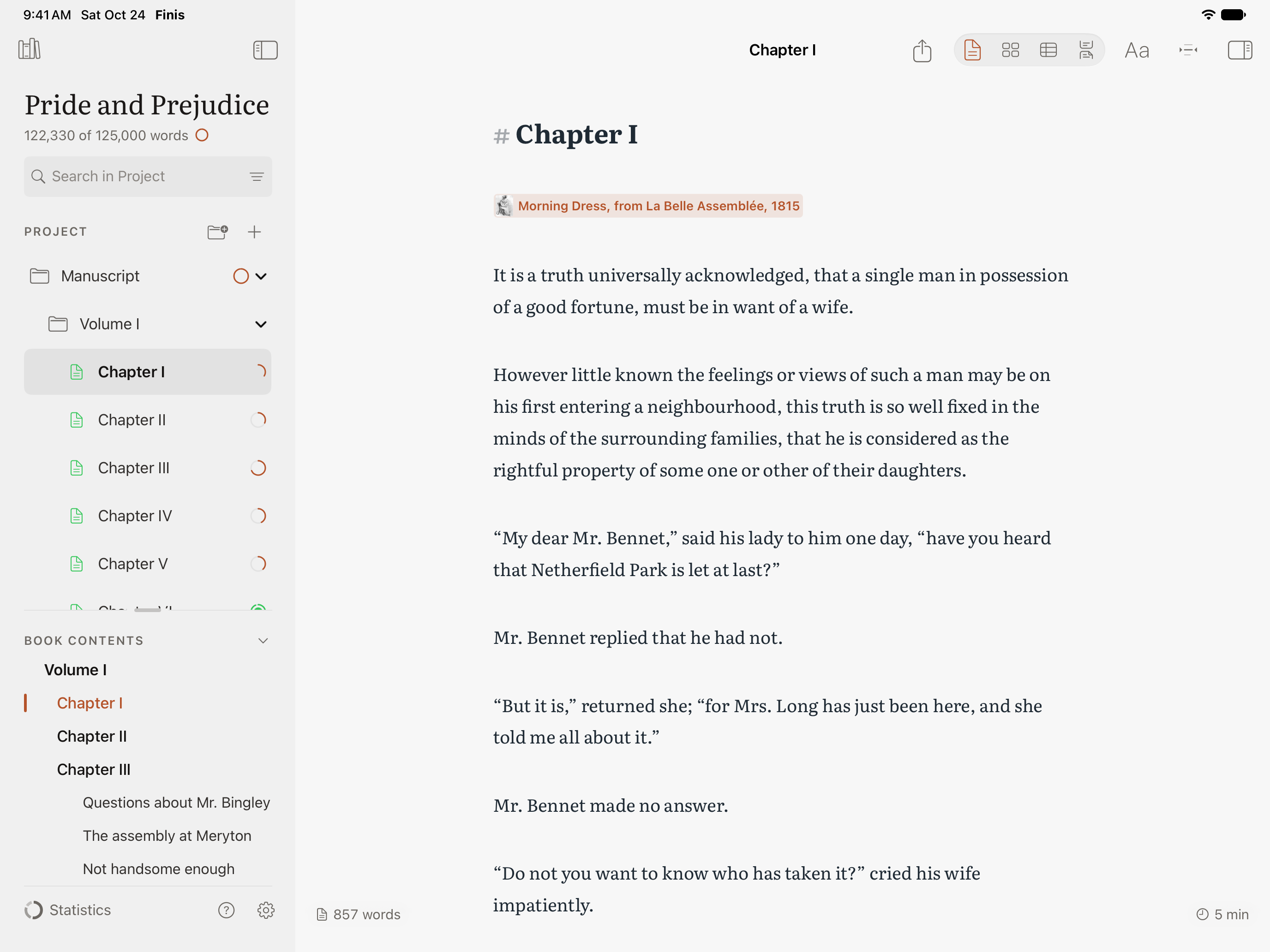
One Finis folder in iCloud Drive and one format: write on one device, pick up on the other.
With your fingers, with a Magic Keyboard and the Mac’s shortcuts, or by hand with Apple Pencil.
The trial and the unlock cover Mac and iPad with the same Apple Account. No subscription.
PRICING
Spend two weeks with your book and every feature in Finis. If it’s right for you, unlock it for $34.90 in the US or €39.90 in Europe. One purchase, no subscription.
$34.90 once€39.90 in Europe · £34.90 in the UK
Download Finis free from the App Store, for Mac and iPad. Unlock it with a single in-app purchase when your trial ends; it covers both. Virgil is optional: it requires your own API key, with separate usage costs and no AI credit included.